Where can I find tutorial on how to use Sales Geeks
Setting up your Sales Geeks account is quick and easy. This guide will walk you through the process of creating and configuring your account to access powerful insights and tools.

What is Sales Geeks?
Sales Geeks is an innovative platform that utilizes artificial intelligence to deliver advanced analytics and insights for businesses. Our tools are designed to enhance decision-making, streamline operations, and drive growth. By signing up for a free Sales Geeks account, you can experience the transformative power of AI for your business.
How to Create a Free Account on Sales Geeks
Creating a free Sales Geeks account is easy. Follow these steps:
- Visit the Sales Geeks Website: Go to www.salesgeeks.ai and click on the "Sign Up" button located at the top right corner of the homepage.
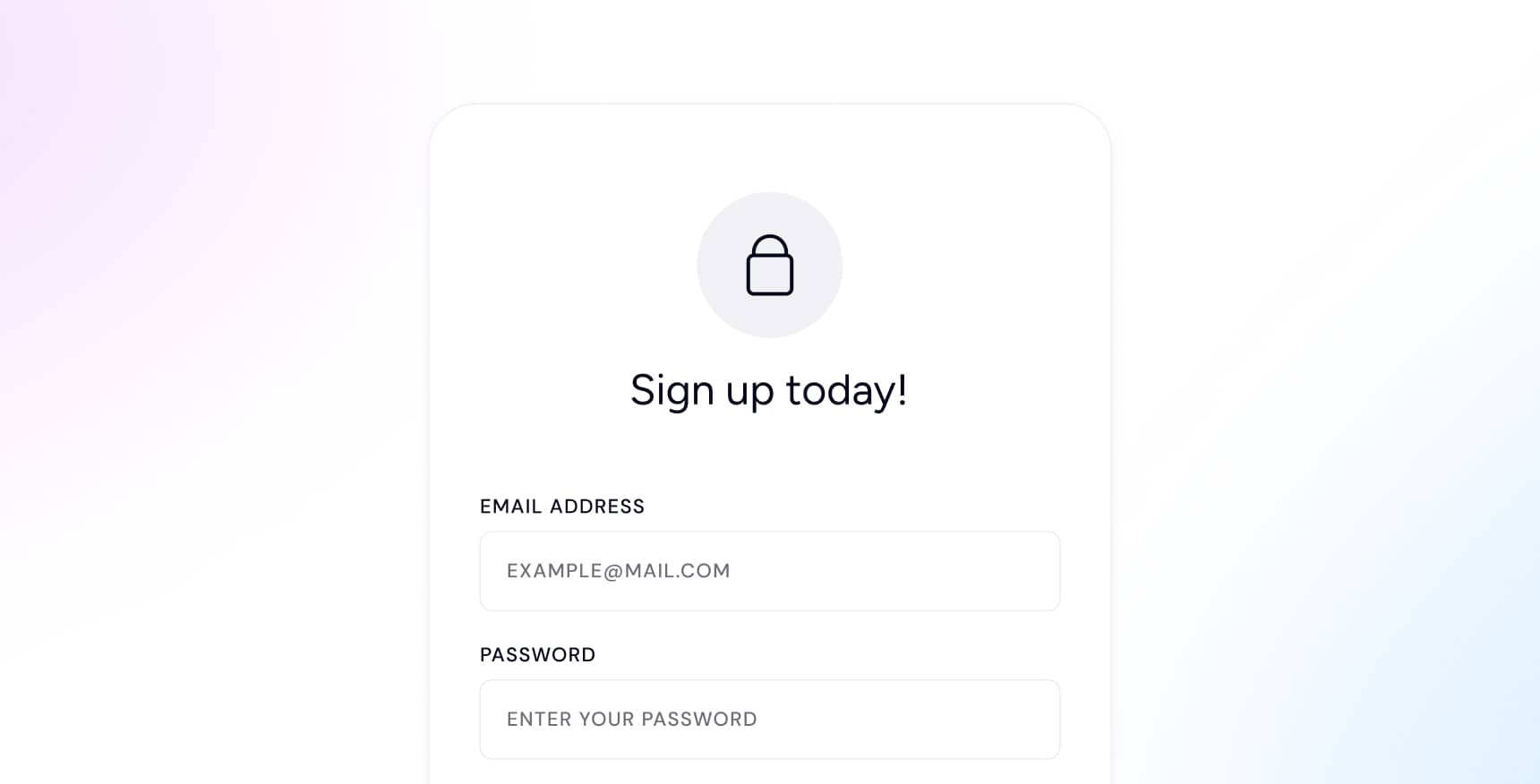
- Enter Your Information: Complete the registration form with your name, email address, and create a secure password.
- Verify Your Email: Check your email inbox for a verification email from Sales Geeks. Click on the verification link to activate your account.
- Complete Your Profile: After verifying your email, log in to your Sales Geeks account and provide additional information such as your company name and industry to complete your profile.
- Start Exploring: Once your profile is set up, you can start exploring the features and tools available on the Sales Geeks platform.
How to Download and Setup the Sales Geeks iOS or macOS App
To enhance your experience with Sales Geeks, we recommend downloading our mobile and desktop apps. Here's how:
- Download the App: Visit the App Store on your iOS device or the Mac App Store on your macOS device. Search for "Sales Geeks" and download the app.
- Install the App: Open the app once the download is complete and follow the on-screen instructions to install it.
- Log In: Enter your Sales Geeks account credentials to log in.
- Set Up Notifications: Allow the app to send you notifications to stay updated on the latest insights and reports.
- Explore Features: Use the app to access Sales Geeks's powerful analytics tools and stay connected on the go.
By following these steps, you can seamlessly integrate Sales Geeks into your daily workflow and harness the power of AI to drive your business forward.
How to Setup Your Sales Geeks Account
Setting up your Sales Geeks account involves a few simple steps to get you started:
- Complete Your Profile: Fill in all necessary details in your profile to tailor the platform to your business needs.
- Connect Your Data Sources: Integrate your existing data sources, such as CRM or sales databases, to start receiving insights.
- Customize Your Dashboard: Set up your dashboard with the metrics and reports that matter most to your business.
- Invite Team Members: Add your team members to your Sales Geeks account to collaborate and share insights.
- Explore Features: Dive into the various features of Sales Geeks to understand how they can help improve your business processes.
Related questions
Odio ut nibh eget morbi proin elit dolor sit pellentesque vitae scelerisque dolor ligula a suspendisse eros dui consequat urna turpis tristique at urna.